Platformer · dye gun
Couleur
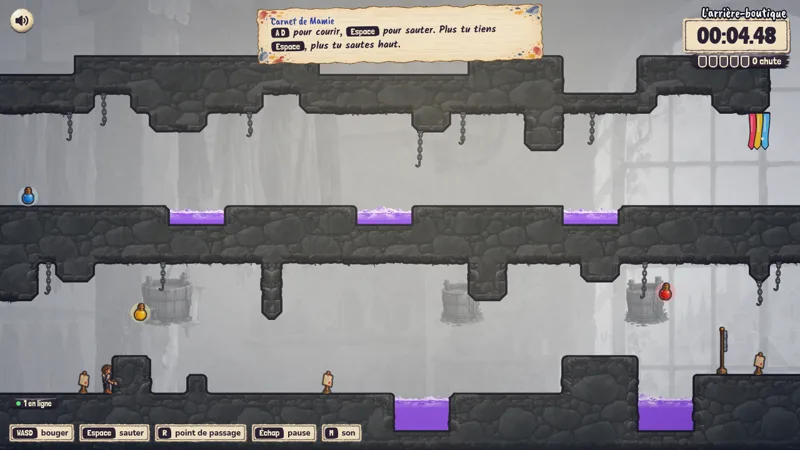
An industrial dye works has drained the world grey. An apprentice escapes with a dye gun, and everything he repaints stays coloured behind him.
Worlds
Five worlds, from the workshop to the tower
Each world has its own colour and backdrop. The higher into the factory, the more the dye matters.
 1
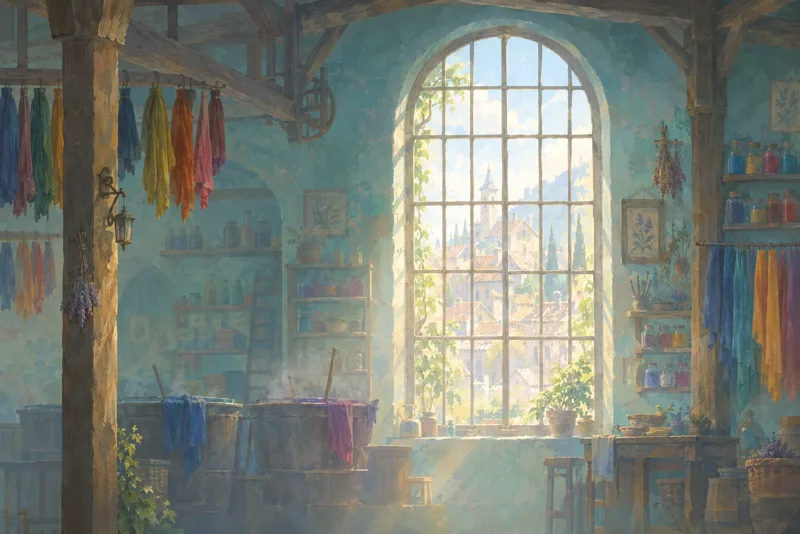
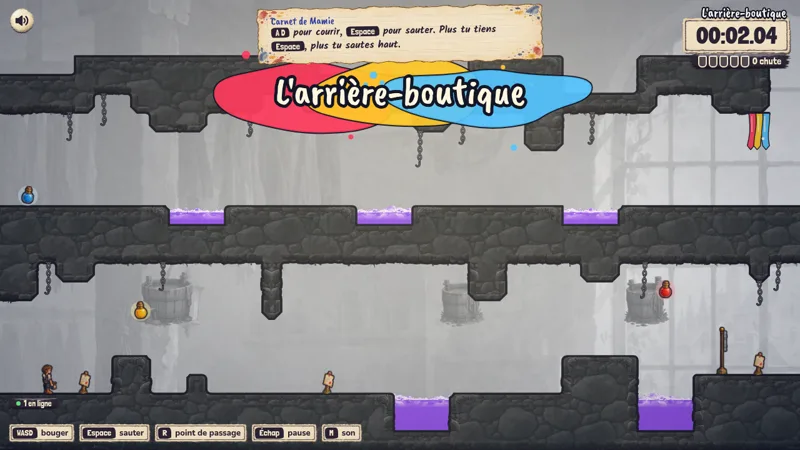
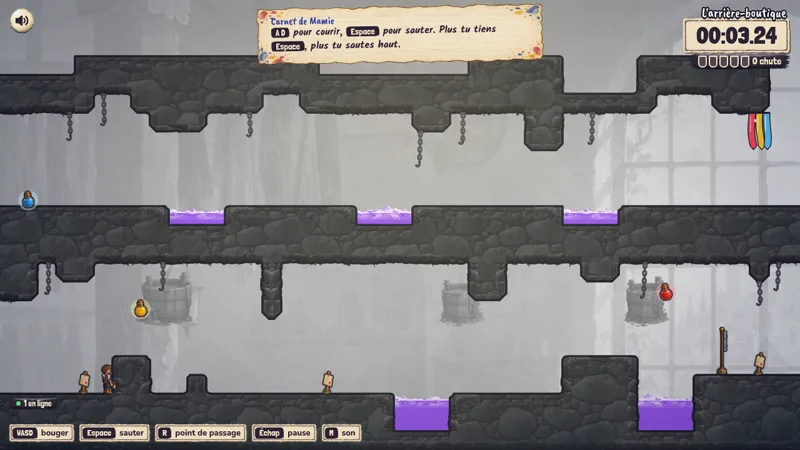
1Granny’s workshop
The first world. Jump, wall jump, madder, saffron, water: you learn it all here.
12 levels
 2
2The vats
Basins, valves and pumps to set back the right way round.
12 levels
 3
3The drying loft
Clotheslines, a blower and a turning drum. Nothing stays where it was.
13 levels
 4
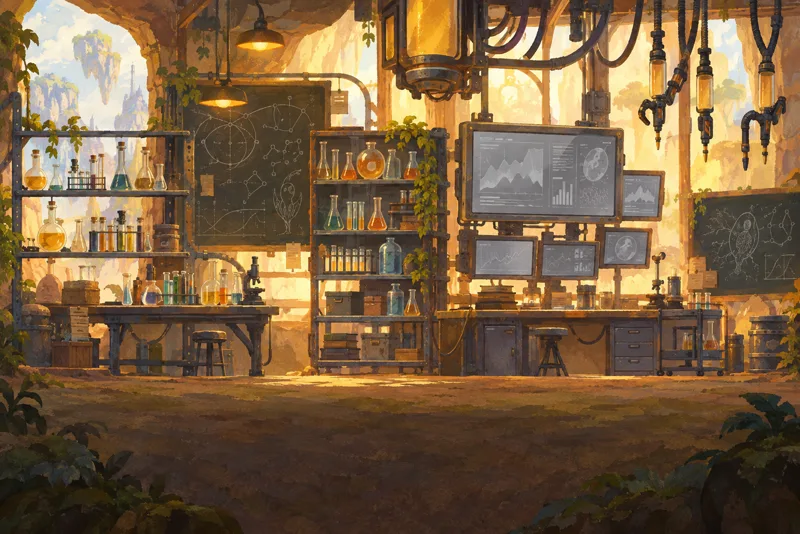
4The lance room
Stripping lances: they erase the dye while you stand on them.
8 levels
 5
5Javelux tower
The world has gone grey again. This is where it all plays out, and where everything gets repainted.
8 levels
Cast
The characters
Lou repaints, the others remember what colour used to be.
Lou
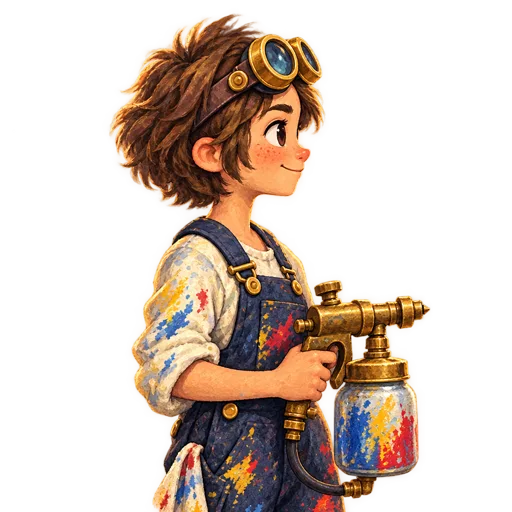
The dye apprentice. White apron, goggles pushed up, gun on the back.

Granny Indigo
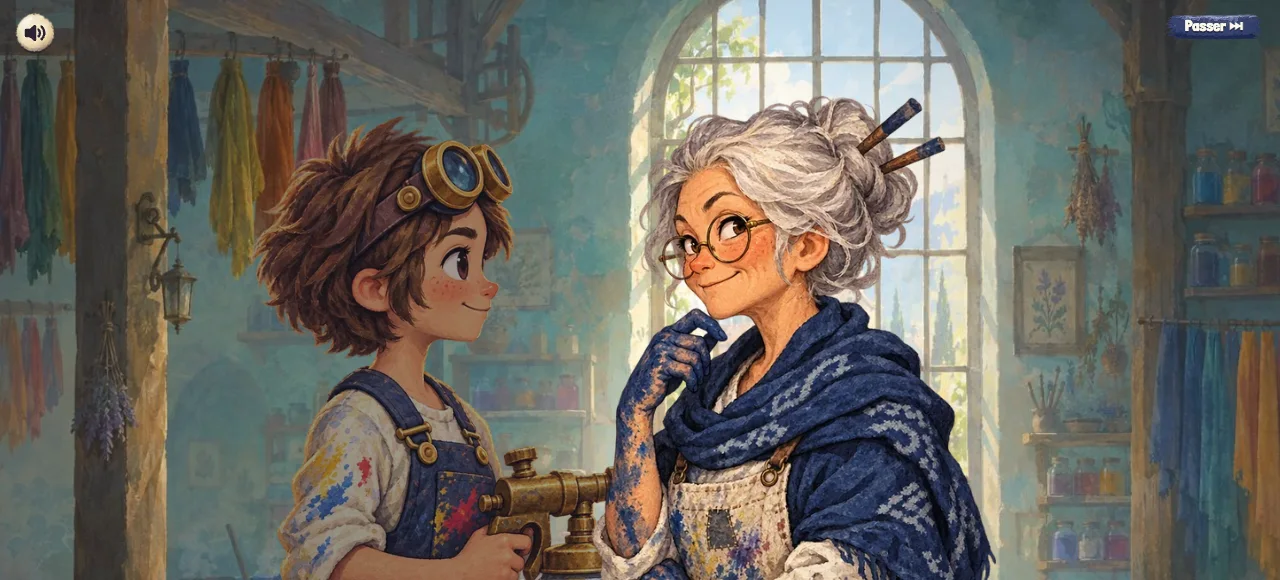
She runs the workshop. Her blue spreads everywhere, on her hands and on her shawl.
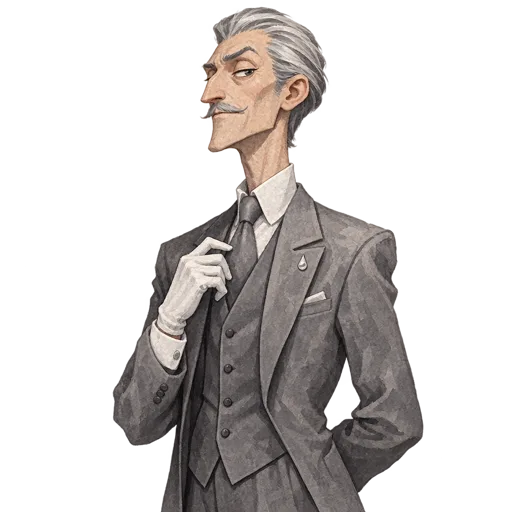
Octave Grisaille
Very tall, very grey, top hat and monocle. He drained Saint-Pigment.

Mr Carmine
A face from the neighbourhood that Lou meets along the way.
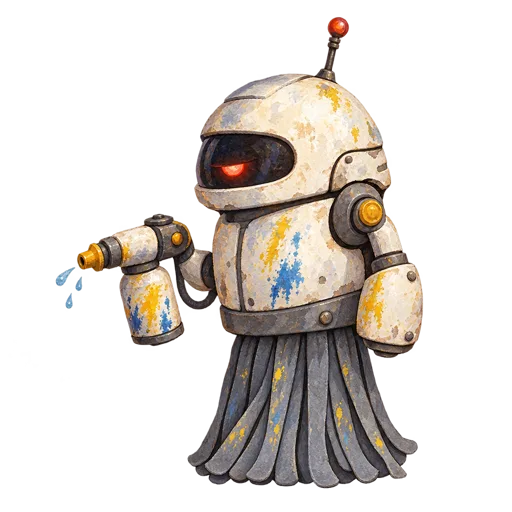
The Dyers’ Mops
Round robots, one eye, a lot of zeal. They clean everything, colours included.
In the game
Dyes
Three dyes, three ways to move
Each dye changes the physics of the surface it touches. Once applied, it stays.
Water
Erases the dye. It resets the surface, so you start from a clean page.
Madder
Bounces. The floor throws you up, a wall throws you sideways: a springboard you paint on demand.
Saffron
Grip. You can run along walls and across ceilings for as long as the dye holds.
Ink never runs out. The level decides where madder and saffron work: on mortar the dye holds; on chrome it slides off.
Controls
Keyboard, mouse, controller or touch. Every button can be changed.
Keyboard
- Move
- ZQSD or WASD (arrows too)
- Jump
- Space
- Restart
- R, from the last checkpoint
- Pause
- Escape
Mouse and controller
- Aim
- Mouse, or the right stick
- Dye
- Left click, right click, E
- Jump on controller
- A
- Move on controller
- Left stick
Questions
Where can I play?
In your browser, on a computer and on an iPhone in landscape, from Safari. You can also add it to your home screen from the Options menu. A separate iPhone version is planned but not available yet.
Is it inspired by Splasher?
Yes, for the feel: a cartoon, inked platformer with a dye gun. The world, the character and the levels are our own. We do not reuse Splasher’s characters, logos or sets.
Who is the main character?
Lou, a dye apprentice in a white apron, goggles pushed up, a dye canister on the back.
Can I change the controls?
Yes, the dye and jump buttons can be reassigned.